
NotebookLM slide editing
Edit NotebookLM Slides by Cleaning Export Marks
NotebookLM slide exports are useful, but they often need one final pass before publishing or presenting. This workflow helps you clean the visible badge area from PDF slides you are allowed to edit.
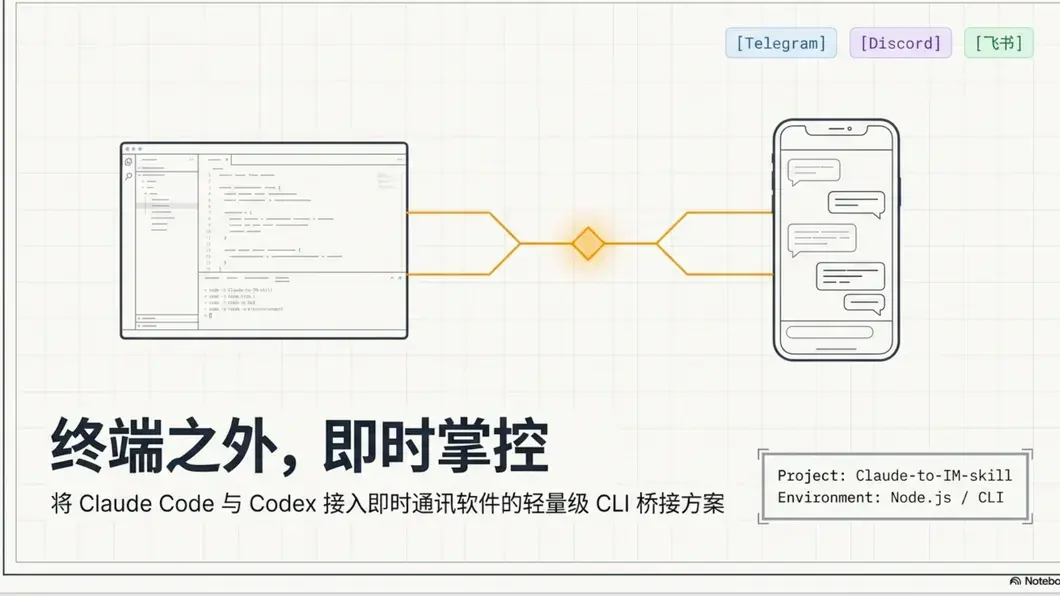
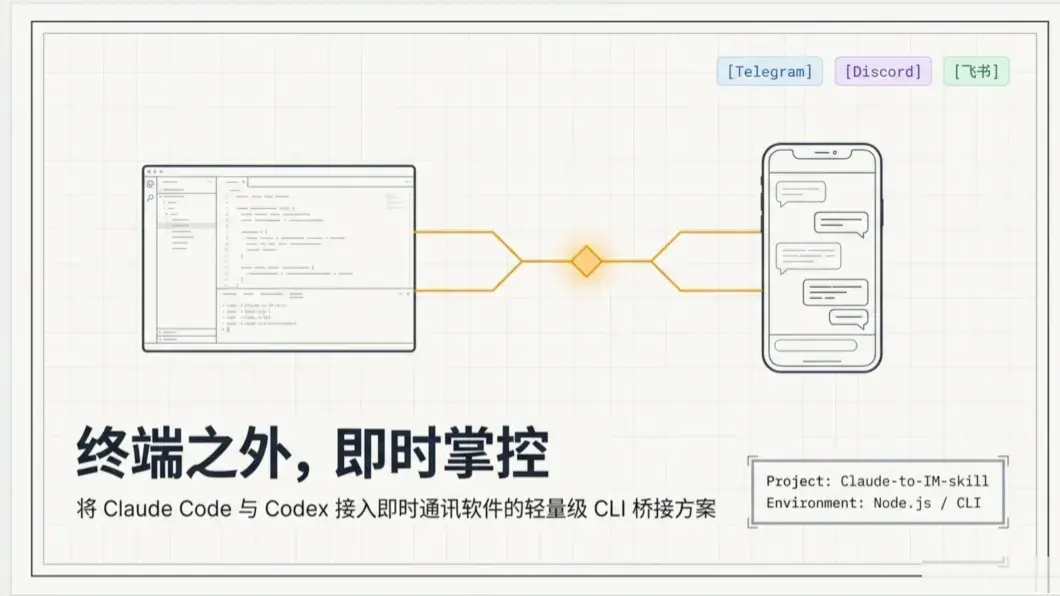
Editing workflow
Make a final cleanup pass without rebuilding the deck.
Instead of recreating slides from scratch, use the exported PDF, confirm the affected region, and download a cleaner version for authorized sharing.
Open the PDF export
Upload the NotebookLM slide PDF and check the first pages before making any edits.
Select what to clean
Use auto-detection or drag the visible export mark area if the slide design needs a manual region.
Save the edited deck
Download the cleaned PDF and review it before sharing with students, teammates, or clients.
Edit NotebookLM slides FAQ
What this online editing workflow can and cannot do for NotebookLM slide exports.
Can I edit slide text with this tool?
No. This workflow cleans visible export marks from PDF slides. It is not a full slide text editor.
Can I choose the cleanup region manually?
Yes. If auto-detection misses the badge area, drag a manual region on the preview.
Is this for PDF or PPTX?
The current workflow is for NotebookLM PDF slide exports. PPTX support is planned separately.
Will files upload to a server?
The tool is presented as a browser-first workflow, and the cleanup UI is designed around local preview and processing.
Related NotebookLM cleaner workflows
These pages support nearby slide, PDF, and PPT use cases while the main remover stays focused on the indexed watermark query.