
NotebookLM slide cleaner
Clean NotebookLM Slides Before You Share Them
Use this page when a NotebookLM slide export looks unfinished because of a visible badge, logo, or watermark area. The workflow focuses on PDF slide decks you own or have permission to edit.
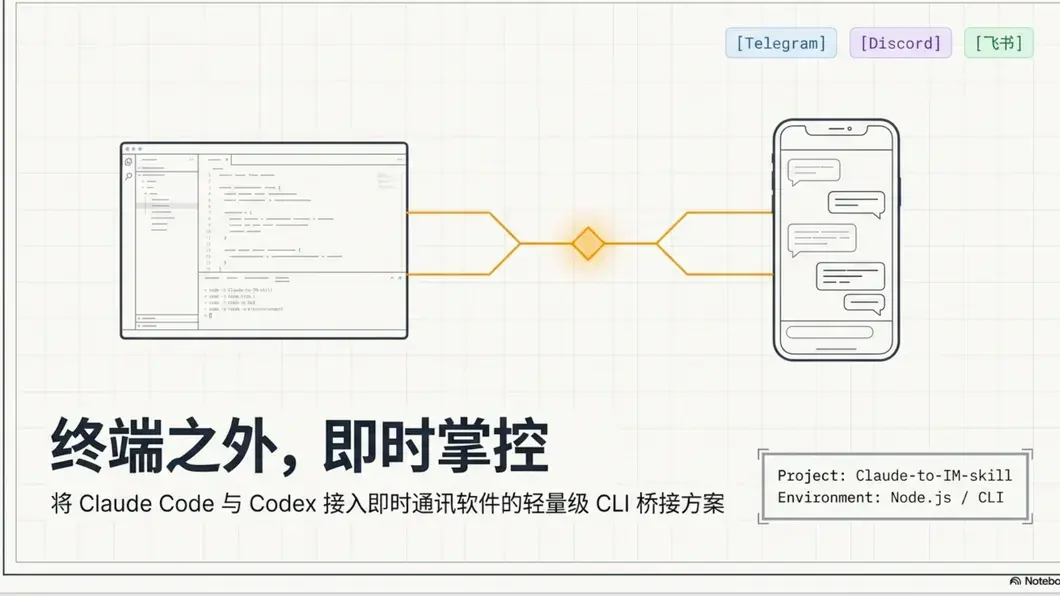
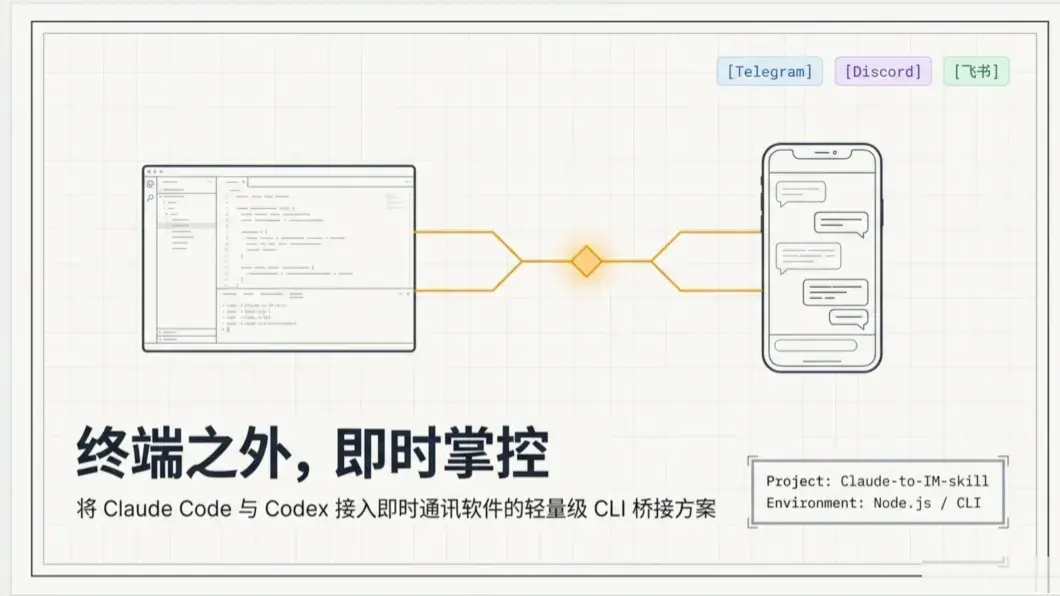
Real workflow
Start with the exported PDF, then review the cleaned deck.
The example shows the kind of NotebookLM slide export this tool is designed for: a deck with a visible source badge that needs authorized cleanup before classroom, team, or client sharing.
Upload the slide PDF
Choose the NotebookLM PDF export and render a browser preview so you can confirm the file and page layout.
Check the badge area
Use the detected lower-right region or drag a custom area when the export uses a different slide size.
Download a cleaner deck
Clean all pages and save a shareable PDF with the visible badge area repaired.
Clean NotebookLM slides FAQ
Answers for users searching for a practical NotebookLM slide cleaner instead of a generic PDF editor.
What does clean NotebookLM slides mean?
It means cleaning visible export marks such as the NotebookLM badge or watermark area from PDF slide decks you are allowed to edit.
Does this edit the original NotebookLM notebook?
No. It works on the PDF slide export, so your NotebookLM source notebook remains unchanged.
Can I use it for team or classroom files?
Yes, if you own the export or have permission to edit and share the cleaned version.
Do I need to install a PDF editor?
No. The cleaner runs as an online browser workflow for NotebookLM PDF slide exports.
Related NotebookLM cleaner workflows
These pages support nearby slide, PDF, and PPT use cases while the main remover stays focused on the indexed watermark query.