
NotebookLM PDF to PPT prep
Prepare NotebookLM PDF Slides Before Converting to PPT
If your NotebookLM workflow starts with a PDF export and ends in PowerPoint, clean the slide deck first so the converted presentation does not carry an avoidable badge area on every page.
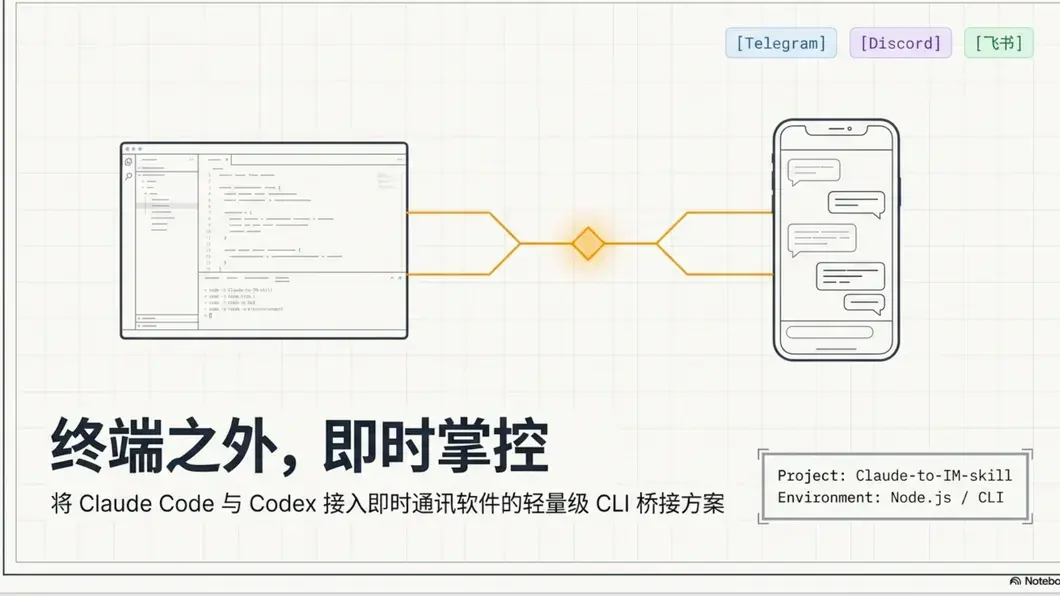
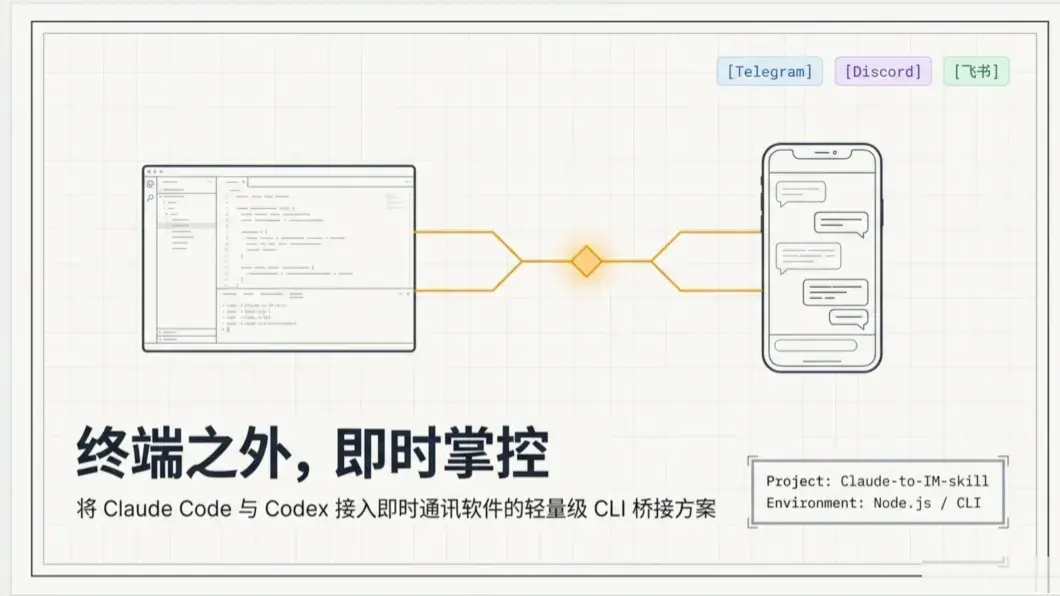
Conversion prep
A cleaner PDF makes the downstream PPT easier to polish.
NotebookLM usually gives you a PDF-style slide export. Cleaning the PDF first gives your PDF-to-PPT tool a better source file and reduces repetitive cleanup after conversion.
Export PDF from NotebookLM
Start with the slide PDF generated by NotebookLM, not screenshots or unrelated documents.
Clean visible export marks
Preview the badge area and repair it across pages before sending the file to a PDF-to-PPT converter.
Convert and polish
Use your preferred converter after cleanup, then review slide text, layout, and speaker notes in PowerPoint.
NotebookLM PDF to PPT FAQ
Practical notes for people trying to move NotebookLM slide exports into PowerPoint.
Does this page convert PDF to PPT directly?
Not yet. It focuses on cleaning the NotebookLM PDF source before you use a dedicated PDF-to-PPT converter.
Why clean before conversion?
A repeated badge or watermark area can become separate slide objects after conversion, which makes manual cleanup slower.
Will the cleaned PDF keep editable text?
High quality cleanup may export image-based pages. Use it when visual cleanliness matters more than preserving every PDF layer.
Is PPTX support planned?
Yes. Native NotebookLM PPTX cleanup is listed as a planned workflow.
Related NotebookLM cleaner workflows
These pages support nearby slide, PDF, and PPT use cases while the main remover stays focused on the indexed watermark query.